Skip to content
screendotfix.com
  • Home
  • Blogs
    • Smartphone & iPhone Screens
    • Laptop & MacBook Displays
    • Hardware & Screen Defects
    • App & Software Glitches
    • Smartwatch Screen Problems
  • About us
  • Tool
    • Screen Diagnostic Toolkit
  • More info
    • Privacy Policy
    • Disclaimer
    • Terms & Conditions
    • Contact Us

Laptop & MacBook Displays

“Dealing with horizontal lines, sudden color distortions, or flickering displays on your Dell, HP, MacBook, or Chromebook? Find clear, easy-to-follow DIY fix guides tailored specifically to bring your laptop’s screen back to life.”

Laptop On But Screen Black? Do the Flashlight Test First
September 30, 2026 by James
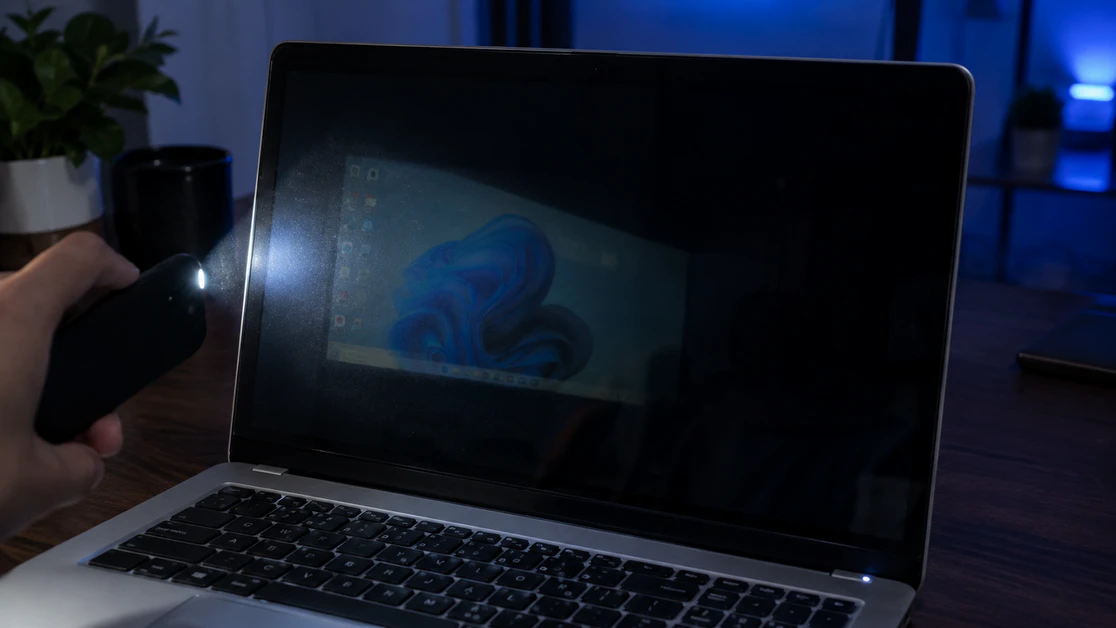
Laptop with a black screen while a phone flashlight reveals a faint desktop image

A laptop that is on with a black screen usually has a failed backlight, a loose display cable, or a crashed graphics driver. James at screendotfix.com separates these three in about a minute using a flashlight and an external monitor. A faint image under a flashlight means the backlight failed. A working external monitor means … Read more
Categories Laptop & MacBook Displays Leave a comment

Black Screen After Windows Update: Here’s How to Actually Fix It

September 23, 2026 by James
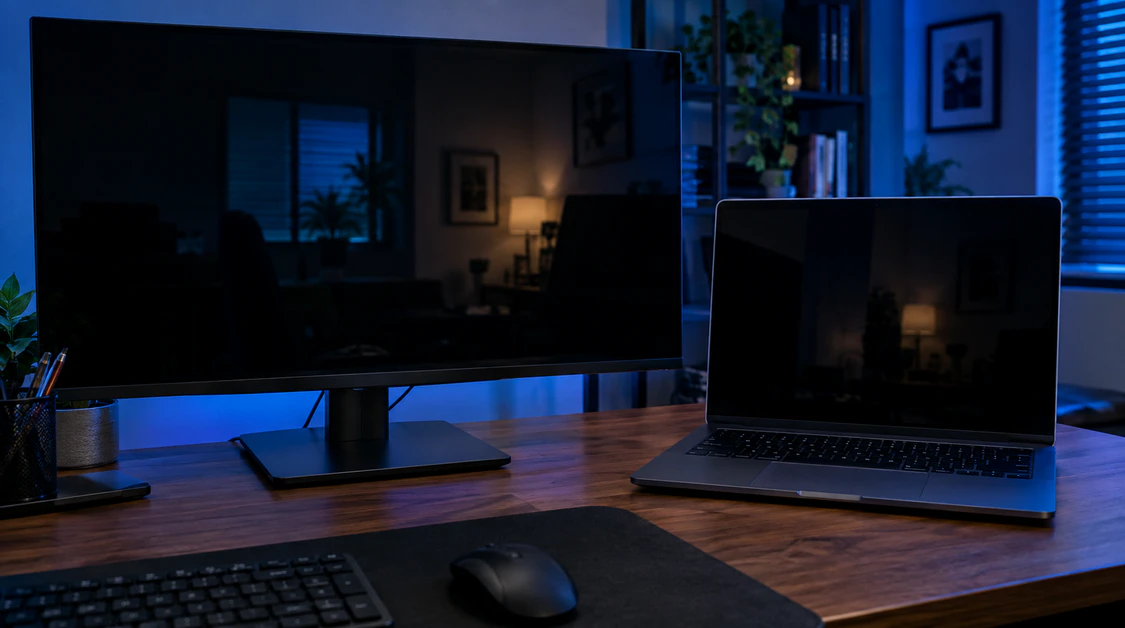
Laptop and desktop monitor both showing a completely black screen in a dim home office

Before anything else, answer one question: can you move your mouse cursor around on that black screen, or is the whole thing frozen solid? That single detail tells you which fix path you’re on, because “black screen” after a Windows update isn’t one problem; it’s at least four different ones wearing the same disguise, and … Read more

Categories Laptop & MacBook Displays Leave a comment

Chromebook Screen Rotation Locked: The Exact Fix (And Why It Happens)

September 12, 2026 by James
"Chromebook screen stuck in wrong orientation after being folded into tablet mode"

Press Ctrl + Shift + Refresh (the Refresh key is the circular arrow in the top row, usually the fourth key from the left) to force a manual 90-degree rotation on a Chromebook. If that shortcut does nothing at all, your Chromebook’s auto-rotate toggle is switched off, not just stuck, tap the clock in the … Read more

Categories Laptop & MacBook Displays Leave a comment

Laptop Screen Brightness Stuck? Here’s Why (And How to Actually Fix It)

September 10, 2026 by James
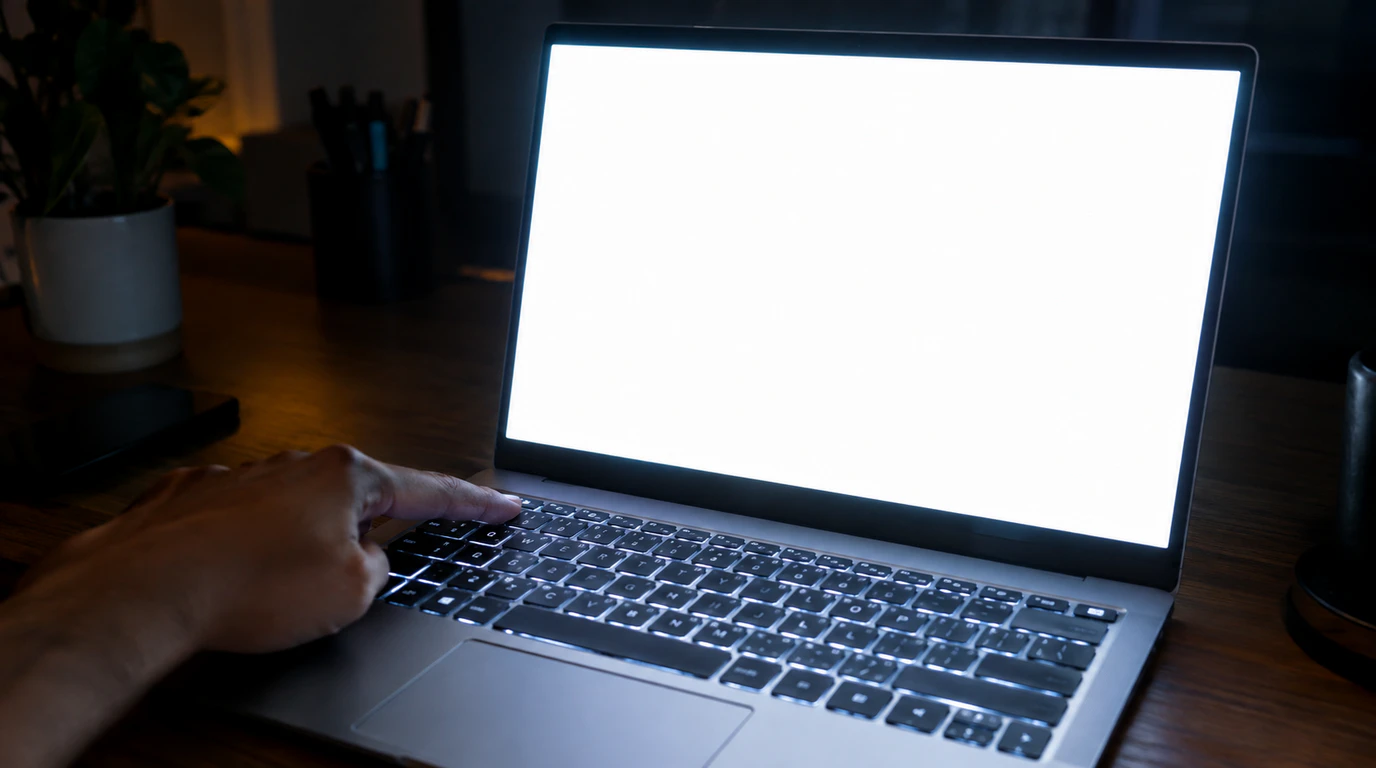
Laptop screen stuck at maximum brightness glowing in a dark room while a hand adjusts the brightness key

Laptop screen brightness usually gets stuck because of a driver conflict, a Windows adaptive brightness bug, or a Fn Lock setting not a broken screen. Software causes a fix in under ten minutes in most cases. Hardware causes, like a failing ambient light sensor or a loose display cable, show up far less often and … Read more

Categories Laptop & MacBook Displays Leave a comment

Keyboard Marks on Laptop Screen: The 10-Second Test

August 31, 2026 by James
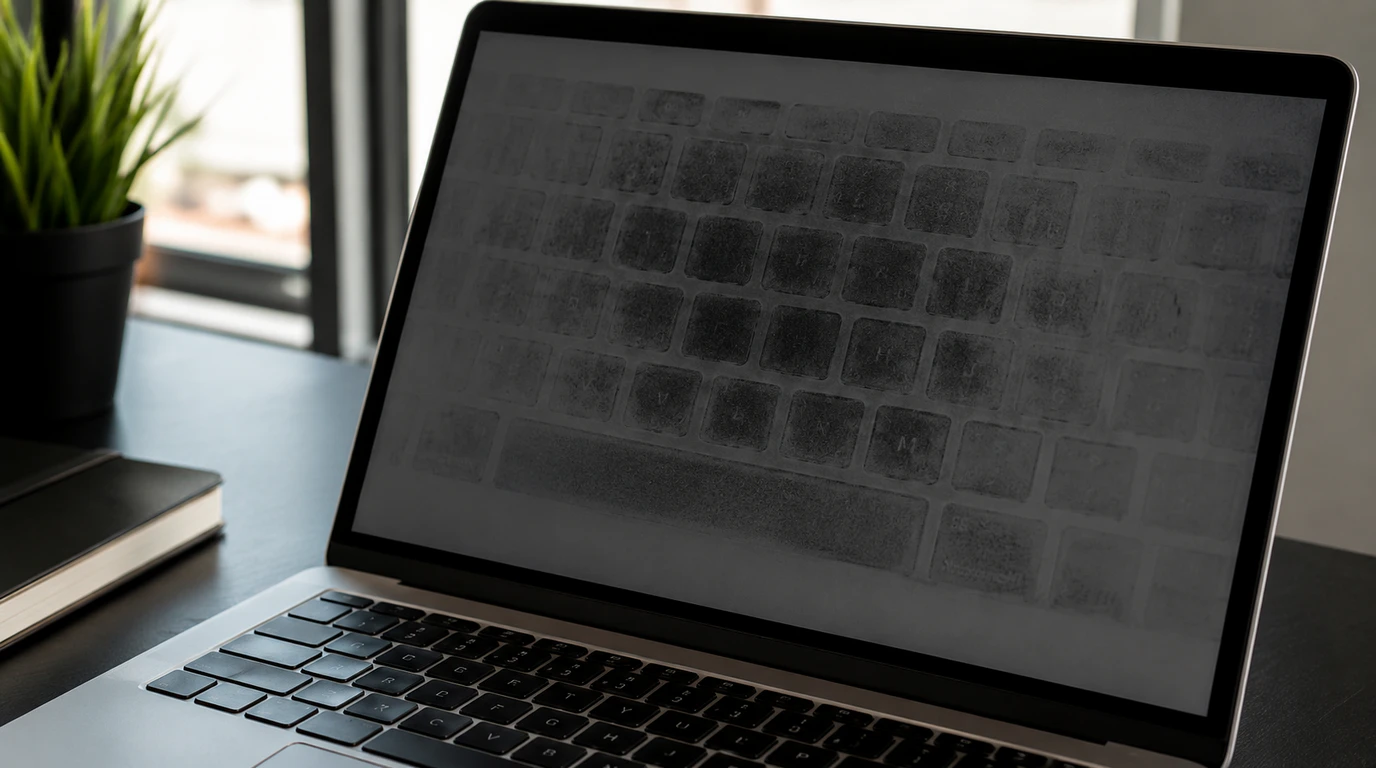
Keyboard marks visible as grey imprints on a laptop screen display

Most keyboard marks on a laptop screen are skin oil transferred from the keys during lid closure, and a microfiber cloth with distilled water removes them in under five minutes. If the marks stay visible with the laptop fully powered off, or look like cloudy bright patches rather than a grey keyboard outline, the anti-reflective … Read more

Categories Laptop & MacBook Displays Leave a comment

Acer Laptop Screen Flickering: The Real Fix Guide

August 1, 2026 by James
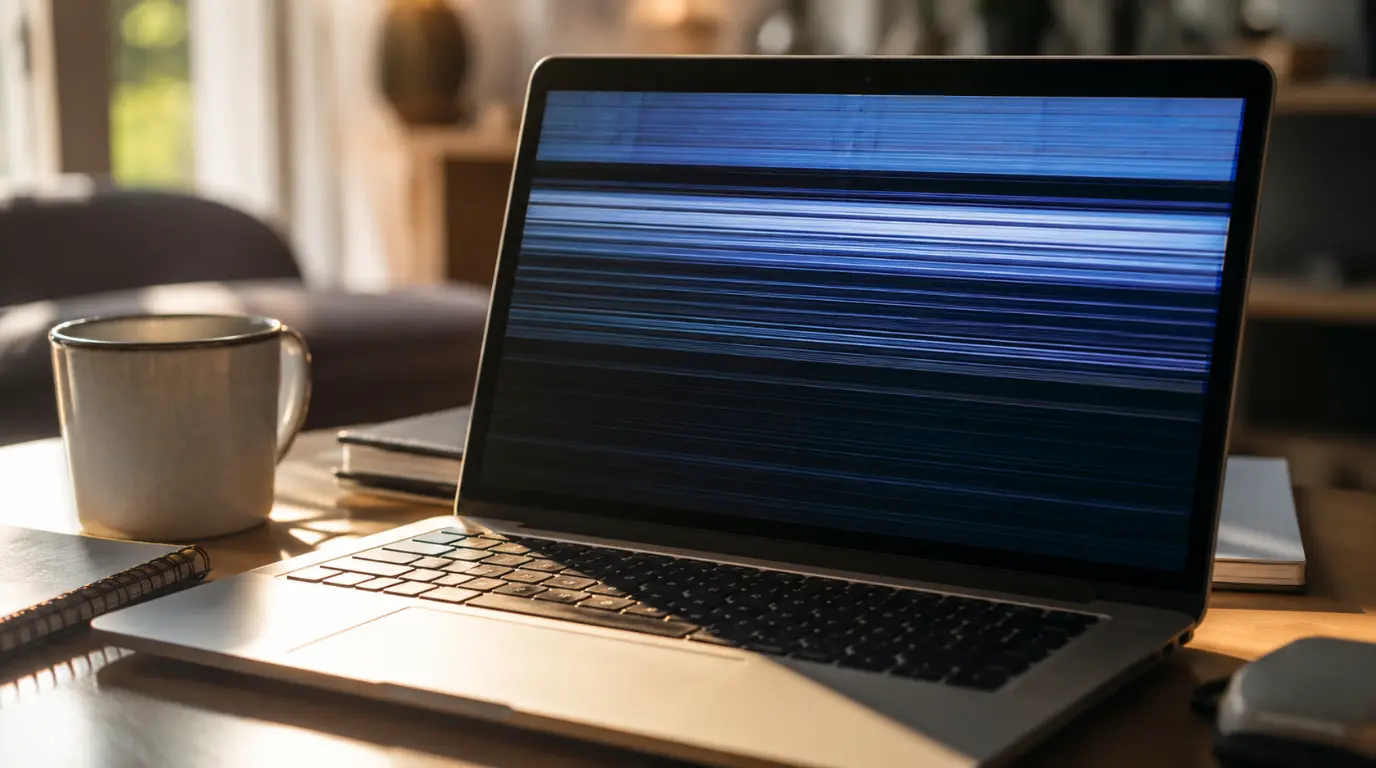
Acer laptop screen showing visible flicker lines on a home desk in natural light.

Acer laptop screen flickering usually traces back to five causes. These are an outdated GPU driver, a worn hinge cable, a refresh rate mismatch, low brightness PWM, or a failing backlight. Match your flicker to when it happens and you can identify the cause in under two minutes. The flicker on your Acer started small. … Read more

Categories Laptop & MacBook Displays Leave a comment

Mac Screen Showing Purple Lines? Here’s What It Will Actually Cost You

July 21, 2026 by James
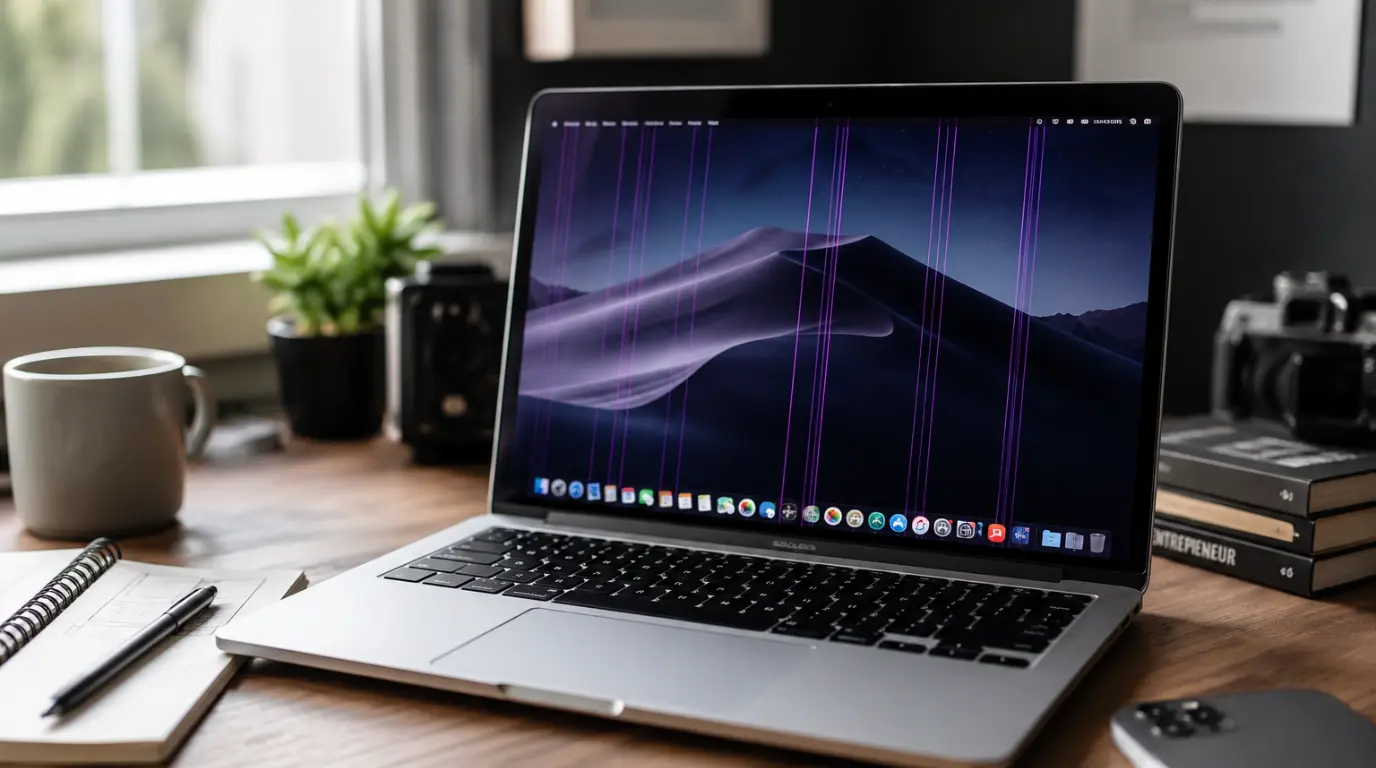
MacBook screen displaying faint purple vertical lines while sitting open on a wooden desk.

Quick Answer: Purple lines on a Mac screen usually come from a loose display cable, a magnetic object near the screen, or a graphics driver glitch. Most cases cost nothing to fix. A small number need a $50 to $600 repair depending on the model and cause. You noticed the lines before you noticed anything … Read more

Categories Laptop & MacBook Displays Leave a comment

HP Laptop Black Line: Is It Worth Fixing?

July 9, 2026 by James
Person examining an HP laptop screen with a visible black line.

 A black line on an HP laptop screen usually comes from a worn hinge cable or a cracked panel. Most cases cost between 30 dollars and 300 dollars to fix, and some are covered under warranty. You noticed the line yesterday. Now every glance at your screen makes you wonder if this is a 20 … Read more

Categories Laptop & MacBook Displays Leave a comment

Laptop Screen Half White? Here’s the Real Fix

July 8, 2026 by James
Laptop screen showing half normal display and half solid white glow on a desk.

A laptop screen turning half white is usually caused by a damaged display cable, a cracked LCD panel, or a GPU driver conflict. Run the external monitor test first. It confirms within two minutes whether the fault sits in the panel or in the graphics output. You are mid presentation when half your screen turns … Read more

Categories Laptop & MacBook Displays Leave a comment

MacBook Red Dot: Is It Damaged or Something Simple?

July 7, 2026 by James
Close-up of a MacBook screen showing a small red dot near the display surface.

A red dot on a MacBook screen is rarely a sign of expensive damage. Most cases trace back to a microphone indicator, a stuck sub-pixel, or coating wear, all of which have low-cost or free fixes. Only physical impact damage usually requires a paid screen replacement. Your MacBook froze on you at the worst moment. … Read more

Categories Laptop & MacBook Displays Leave a comment
Older posts
Page1 Page2 Next →
© 2026 screendotfix.com • Built with GeneratePress
ScreenDotFix

Expert display repair guides and technical troubleshooting solutions for every device. Written and verified by James.

DEVICE CATEGORIES
  • Smartphone & iPhone
  • Laptop & MacBook
  • Hardware & Screen Defects
  • App & Software Glitches
SUPPORT & INFO
  • About James
  • Report a Screen Issue
  • Privacy Policy
  • Disclaimer
  • Terms & Conditions
GET FIX UPDATES

Join James's community for weekly repair tips and display maintenance guides. 100% free.

SCREENDOTFIX.COM

© 2026 ScreenDotFix. All rights reserved. Expert guides by James. | Privacy · Terms · Disclaimer